
Binomial Multiplication: Visual Expansion and Answer Checking
Loading the math board and drawing, please wait…
In collections
Multiplikation von Binomen
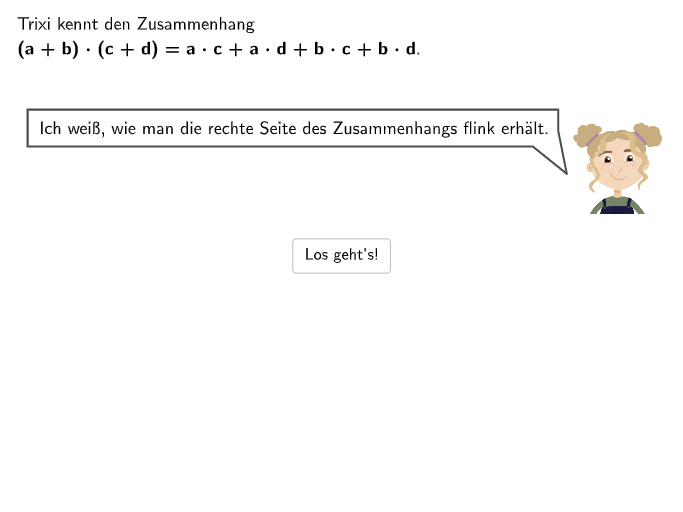
This GeoGebra example visualizes the multiplication of two binomials as an interactive, segmented geometric process, guiding students to expand and verify algebraic results. It emphasizes key concepts: the distributive property for binomial products, algebraic expansion, combining like terms, and tracking how signs and coefficients change when a “+” is replaced by “−” or when the expression in the
GeoGebra Commands & Parameters
Point(Line[Pos0a, yAxis]) → Pos0bSelectedIndex(DropDown3) → input3If(step < 7, Pos0a, Pos0b) → Pos0Point(Line[Pos0, xAxis]) → Pos3Point(Line[Pos0 + (0, -0.7), xAxis]) → Pos4Point(CircleArc[Midpoint[Pos4, Pos6] + (0, (-height4)), Pos4, Pos6]) → B4Point(Line[Pos0, xAxis]) → Pos2Point(CircleArc[Midpoint[Pos4, Pos5] + (0, (-height3)), Pos4, Pos5]) → B3Point(Line[Pos0, xAxis]) → Pos1Point(CircleArc[Midpoint[Pos3, Pos1] + (0, height2), Pos3, Pos1]) → B2Point(CircleArc[Midpoint[Pos2, Pos1] + (0, height1), Pos2, Pos1]) → B1SelectedIndex(DropDown5) → input5SelectedIndex(DropDown7) → input7SelectedIndex(DropDown9) → input9SelectedIndex(DropDown11) → input11SelectedIndex(DropDown1) → input1Textfield(input1) → Eingabefeld1Textfield(input2) → Eingabefeld2Point(Line[Trixi1, xAxis]) → Trixi2CircleArc(Midpoint[Pos2, Pos1] + (0, height1), B1, Pos1) → bogen1CircleArc(Midpoint[Pos3, Pos1] + (0, height2), B2, Pos1) → bogen2CircleArc(Midpoint[Pos4, Pos5] + (0, (-height3)), Pos4, B3) → bogen3CircleArc(Midpoint[Pos4, Pos6] + (0, (-height4)), Pos4, B4) → bogen4Textfield(input4) → Eingabefeld4Textfield(input6) → Eingabefeld6RotateText("\textsf{Minus-\\zeichen!}", 4°) → TextMinusTextfield(input8) → Eingabefeld8Textfield(input10) → Eingabefeld10Textfield(input12) → Eingabefeld12Sequence(Pos0 + (5.5, -1.2) + (m * (1.8, 0)), m, 0, 2) → listPosSol