
3D Globe Model Construction
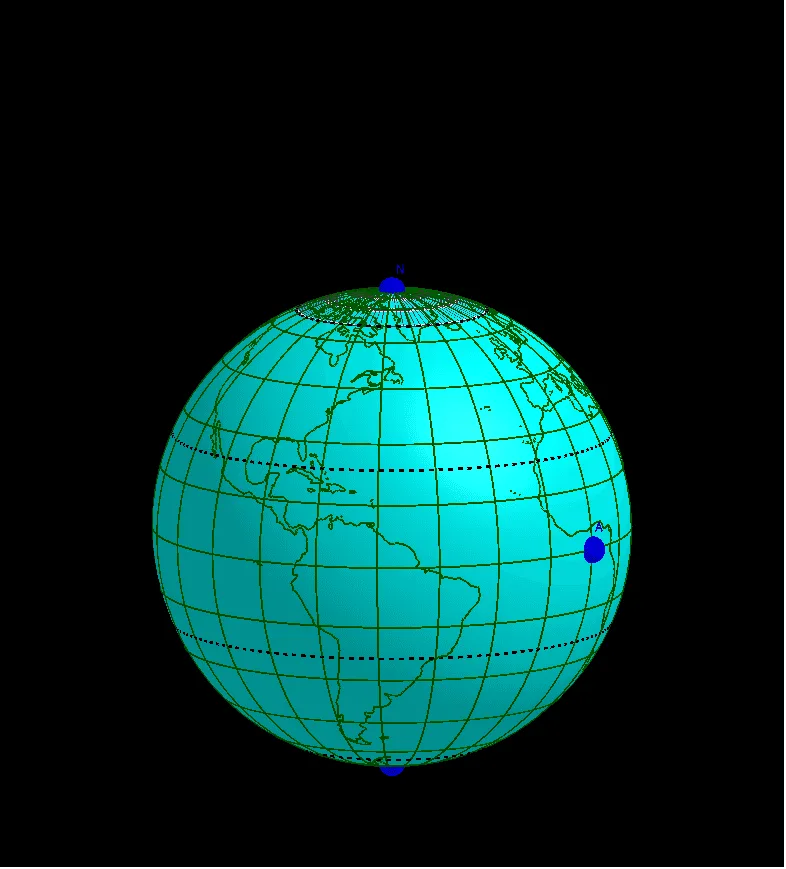
This example demonstrates how to construct a 3D globe model using GeoGebra's 3D capabilities. It uses the Sphere command to create the base sphere, Circle, CircumcircleArc, and Sequence commands to generate latitude and longitude grid lines, the Rotate command for rotational symmetry, and the Surface command for surface rendering. Objects N and S represent the North and South poles, while list objects store sequences of the graticule lines. This construction showcases core mathematical concepts in solid geometry, including parametric representation of spheres, rotational transformations, and sequence generation. The applet is well suited for teaching and visual exploration in three-dimensional geometry, allowing students to interactively manipulate the globe, observe how parametric equations define spherical surfaces, and understand the relationship between rotational symmetry and real-world spatial structures.
Loading the math board and drawing, please wait…